Cross-Platform UI Architecture: The End of Ad-Hoc Navigation
For a long time, Delphi development (in both VCL and FireMonkey) was dominated by the classic ShowModal. More recently, we’ve seen a healthy trend toward Tab-based or Modern MDI interfaces, where we “parent” forms inside TabSheets or panels.
But let’s be honest: most of the time, we do this in an ad-hoc way.
The code to open a tab is usually scattered across menus and buttons, where the source screen needs to know the class of the target screen, instantiate it manually, and manage its lifecycle. At the end of the day, you have a beautiful interface but “spaghetti” code underneath, where everything depends on everything.
What’s missing for the Delphi developer is not a new way to display screens, but a UI Pattern. This is where Dext.UI Navigator comes in.
The Navigator brings to VCL the concept of “UI Architecture” seen in modern frameworks like Flutter or Android. Instead of instantiating screens, you declare navigation intents.
1. The End of Visual Coupling (VCL & FMX)
Section titled “1. The End of Visual Coupling (VCL & FMX)”With the Navigator, your customer listing screen doesn’t know the unit of the editing screen. They are completely agnostic of each other — and this works for both Desktop and Mobile. The Navigator acts as the mediator that knows the routes and knows how to transport data (Context) between them in a safe and typed way.
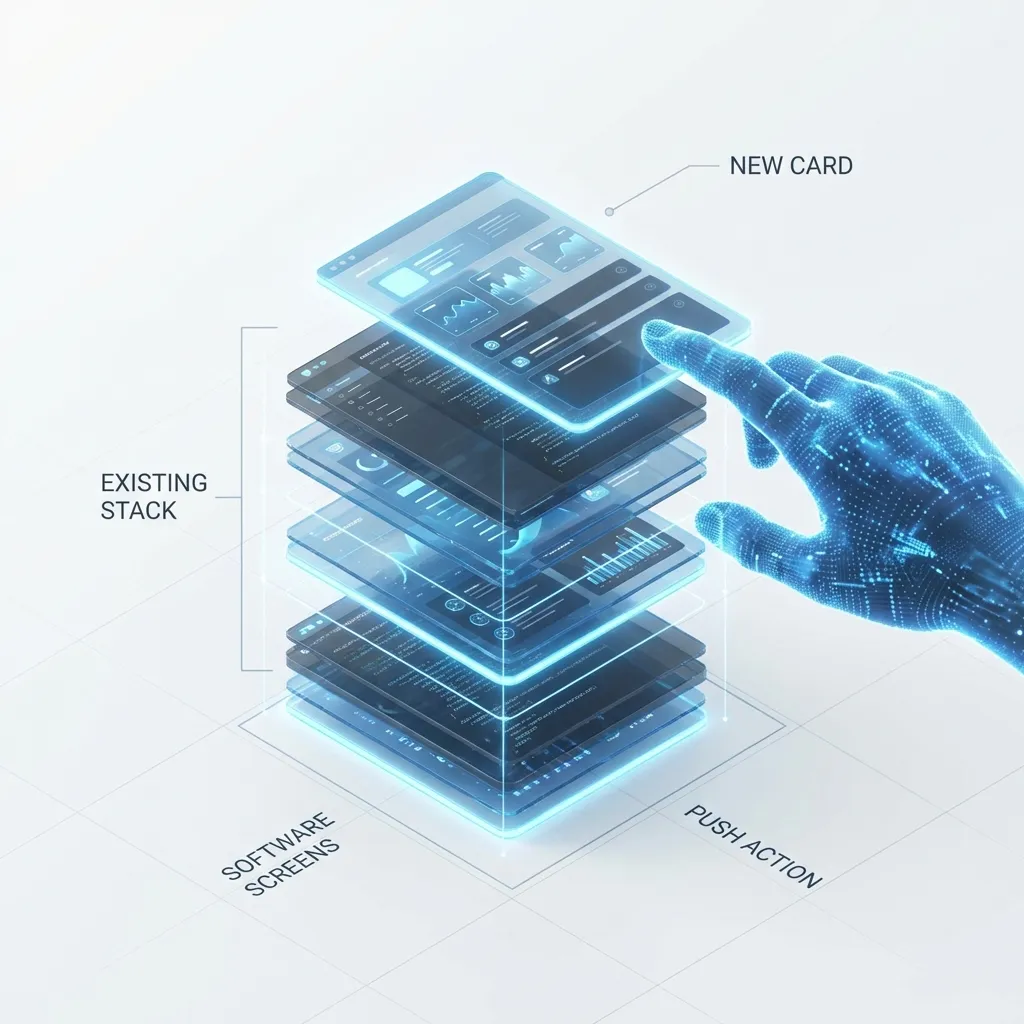
// You request navigation by type or route, the Navigator handles the rest.Navigator.Push(TCustomerEditFrame, TValue.From(CurrentCustomer));2. The Power of Middlewares
Section titled “2. The Power of Middlewares”Remember that screen that only admins can see? In the traditional model, you put an if in the OnClick of every button. With the Navigator, you use Middlewares.
You define a global rule: “All routes marked as Admin need authentication”. The Navigator intercepts the navigation request, checks the rule, and if it fails, blocks the transition or redirects to Login.
Navigator.UseMiddleware(TAuthMiddleware.Create(AuthService));The Hook for the Future: VCL with a “Web Feeling”
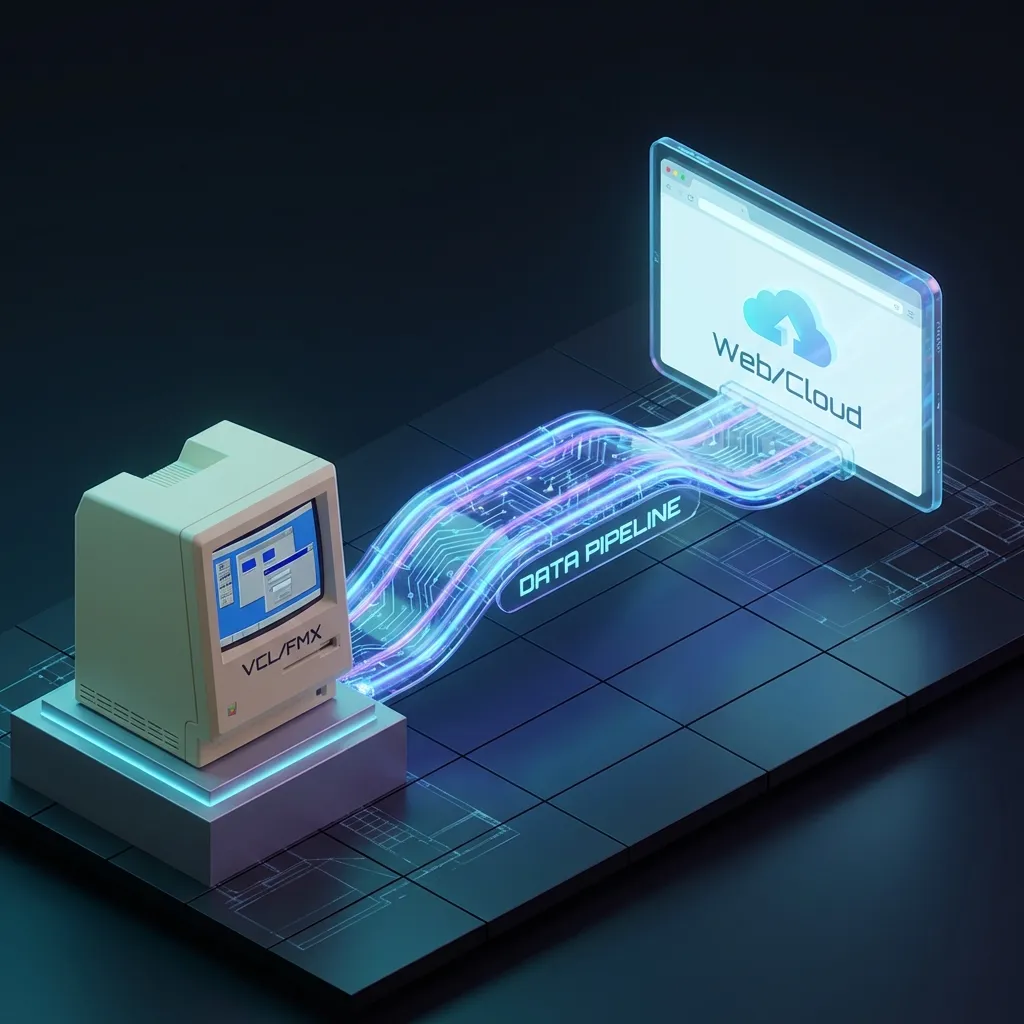
Section titled “The Hook for the Future: VCL with a “Web Feeling””Perhaps the greatest hidden benefit of the Navigator is how it brings your Delphi code closer to modern Web architectures. By using Middlewares in a navigation pipeline, you are structuring your system in a way that closely resembles a Web application (where backend and UI communicate via routes and contracts), but without the immediate need for a complex Web API.
This paves the way. If tomorrow you decide to migrate parts of your system to the Web or share logic between a Desktop and Mobile version, your navigation code and business rules (encapsulated in Middlewares) will already be ready to be reused.
3. History and Lifecycle
Section titled “3. History and Lifecycle”Just like on your mobile browser, the Navigator maintains a Navigation Stack. The Navigator.Pop command goes back to the previous screen exactly as it was, without you needing to manage the state manually.
And with the INavigationAware hook, your screens know when they are entering or leaving the view, allowing you to load or save data at the exact moment:
procedure TCustomerEditFrame.OnNavigatedTo(const Context: TNavigationContext);begin // Load the customer received in the contextend;Bonus: Adapters (MDI, Tabs, or Panel?)
Section titled “Bonus: Adapters (MDI, Tabs, or Panel?)”The beauty of the Navigator is that business logic is separated from visualization. Want your system to use Tabs (TPageControl)? Use TPageControlAdapter. Prefer the classic MDI style? Use TMDIAdapter. And if you are in FMX? Just use a specific Adapter for FireMonkey screens. Your Navigator.Push logic remains exactly the same.
Conclusion: Modernizing is a strategic choice
Section titled “Conclusion: Modernizing is a strategic choice”Modernizing Delphi is not just about switching to Linux or Web. It’s about bringing the patterns that won in modern software engineering (SPA, Middlewares, DI) into VCL.
The Dext Framework is not just about Backend; it’s about giving the Delphi developer the arsenal to create desktop applications that don’t look like they were made in 1995.
👉 Check out Dext on Github: github.com/cesarliws/dext 📚 Deep dive into the book: Book HotSite 📖 Navigator Documentation: Read Technical Details