Modern Delphi Multithreading: Write Clean and Uncomplicated Asynchronous Code

In 2025, during my talks at Embarcadero Conference, Luso Delphi, and CodeRage, I ended my presentation with a few “mysterious” slides (Slides 17 and 18).
I spoke about the developer’s journey: we moved from the manual complexity of TThread, evolved to the efficiency of the PPL (Parallel Programming Library), but something was still missing.
Those who use PPL intensively know the problem. To orchestrate complex pipelines (download data -> process -> save -> update UI), we end up falling into the dreaded “Pyramid of Doom”: excessive nesting of anonymous methods, repetitive try..except blocks, and manual TThread.Queue calls to avoid freezing the screen.
In that slide, I promised a vision of the future: A fluent interface where asynchronous code could be read like a sentence.
The wait is over. The promise has been fulfilled.
Today, I officially present Dext.Threading.Async — the real implementation of that concept, now available in the Dext Framework.
The Problem: The “Debt” of Complexity
Section titled “The Problem: The “Debt” of Complexity”In my book, “Delphi Multithreading”, I dedicate entire chapters to teaching how to protect your threads, avoid Race Conditions, and ensure that exceptions don’t silently crash your application. This theoretical foundation is non-negotiable.
However, in daily practice, writing all this infrastructure “by hand” for every button in your system is exhausting. Look at the traditional pattern:
// The standard way of using PPLTTask.Run(procedurebegin try var Data := DownloadBytes; // Nesting... TThread.Synchronize(nil, procedure begin UpdateUI(Data); // What if the Form is already closed? Access Violation. end); except on E: Exception do HandleError(E); // Repetitive boilerplate end;end);The Solution: Dext Fluent Async
Section titled “The Solution: Dext Fluent Async”
With the new Dext engine, we abstract the complexity of ITask, IFuture, and exception handling into a declarative syntax.
Let’s look at a real example. Imagine a Dashboard that needs to load 3 heavy panels simultaneously when opening the screen. If we did this sequentially, the user would wait for the sum of the times. With Dext, we fire them in parallel and the code remains clean:
uses Dext.Threading.Async;
procedure TFormDashboard.LoadDashboard;begin  // 1. Load User Profile (I/O Bound)  // Fire and forget complexity. Dext manages the thread.  var Task1 := TAsyncTask.Run<TUserProfile>(    function: TUserProfile    begin      // Executes in Background Thread Pool      Result := UserService.GetProfile(Self.UserId);    end)    .ThenBy(procedure(User: TUserProfile)    begin      // Executes additional background processing if necessary      LogAccess(User);    end)    .OnComplete(procedure(User: TUserProfile)    begin      // AUTOMATICALLY executes on the Main Thread (safe for VCL/FMX)      UserLabel.Caption := 'Welcome, ' + User.Name;      imgAvatar.Bitmap := User.Avatar;    end)    .OnException(procedure(E: Exception)    begin      // Centralized error handling on Main Thread      ShowMessage('Error loading profile: ' + E.Message);    end)    .Start; // Starts execution
  // 2. Load Financial Chart (CPU Bound)  // Executes in PARALLEL to the previous one  var Task2 := TAsyncTask.Run<TFinancialData>(    function: TFinancialData    begin      // Automatically checks for cancellation before starting      Result := FinanceService.CalculateHeavyMetrics(CurrentYear);    end)    .OnComplete(procedure(Data: TFinancialData)    begin      ChartSales.Series[0].Add(Data.Values);    end)    .Start;
  // 3. Update Notifications  var Task3 := TAsyncTask.Run<Integer>(    function: Integer    begin      Result := NotificationService.CountUnread;    end)    .OnComplete(procedure(Count: Integer)    begin      Badge.Text := Count.ToString;      Badge.Visible := Count > 0;    end)    .Start;
  // Wait for all tasks to complete  TAsyncTask.WaitForAll([Task1, Task2, Task3]);end;
What do we gain here?
- Readability: We read the code from top to bottom, like a story.
- Thread Safety:
OnCompleteandOnExceptionguarantee synchronization with the Main Thread or calling thread. No moreTThread.Queuescattered throughout the code. - Exception Propagation: If
GetProfilefails, the flow skipsThenByand goes straight toOnException. Notry..exceptpolluting the business logic.
The Safety Net: Cancellation Tokens
Section titled “The Safety Net: Cancellation Tokens”But what if the user closes the form while these 3 tasks are running? Will we have an Access Violation when trying to update the UserLabel?
This is where the theory I teach in Chapter 4 of the book comes in: Cooperative Cancellation.
Dext implements the ICancellationToken pattern (inspired by .NET) seamlessly. You can pass a token to the task, and the fluent chain checks that token before each step.
// Binds the Token to the Form's lifecycleFTokenSource := TCancellationTokenSource.Create;
TAsyncTask.Run(...)  .WithCancellation(FTokenSource.Token) // The magic happens here  .OnComplete(...)  .Start;
procedure TFormDashboard.FormDestroy(Sender: TObject);begin  // When destroying the form, cancel everything pending.  // Dext prevents OnComplete (which accesses visual components) from executing.  FTokenSource.Cancel;end;
This solves one of the most common and hard-to-track bugs in Delphi Multithread applications: the callback trying to access a destroyed object.
Theory and Practice: The “Power Duo”
Section titled “Theory and Practice: The “Power Duo””The Dext Framework delivers the tool ready for production. But to use multithreading masterfully, you need to understand what is really happening. Why is the Thread Pool better than creating manual Threads? What is Context Switching? How do Synchronization Primitives work?

That’s why I say the Book and the Framework make a perfect pair:
-
📘 The Book (Delphi Multithreading): Teaches the foundation, architecture, and “whys”. The source code for the book’s examples (including the pure implementation of CancellationToken) is openly available for study.
- Repository (PT): github.com/cesarliws/DelphiMultithreadingBookCode
- Repository (EN): github.com/cesarliws/DelphiMultithreadingBookCodeEnglishEdition
-
🚀 The Framework (Dext): Delivers the productive implementation, tested and ready for daily use, applying the book’s concepts in a modern API.
Conclusion
Section titled “Conclusion”I fulfilled my promise made at CodeRage. Fluent Tasks is no longer just a PowerPoint slide; it’s real code you can use today to eliminate complexity from your project.
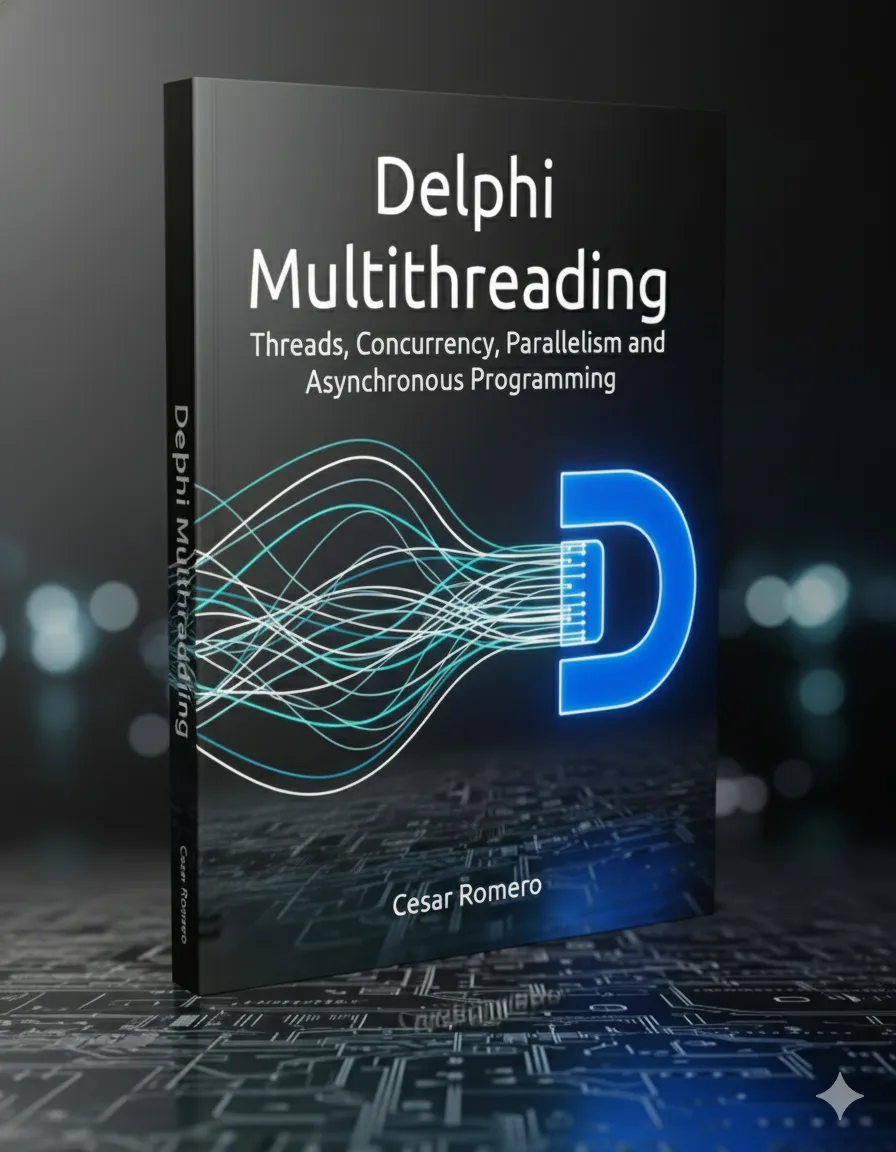
I invite you to download Dext, test Dext.Threading.Async, and if you want to master the engineering behind it, secure your copy of the book on my site.
Async API Documentation: https://github.com/cesarliws/dext/blob/main/Docs/async-api.md
Download Dext: https://github.com/cesarliws/dext
Get the Book: https://www.cesarromero.com.br/
Let’s code (in parallel)! 🚀
#Delphi #Multithreading #DelphiMultithreadingBook #DextFramework #AsyncProgramming #CodeRage #SoftwareArchitecture #OpenSource